AI beauty images that actually keep real skin texture
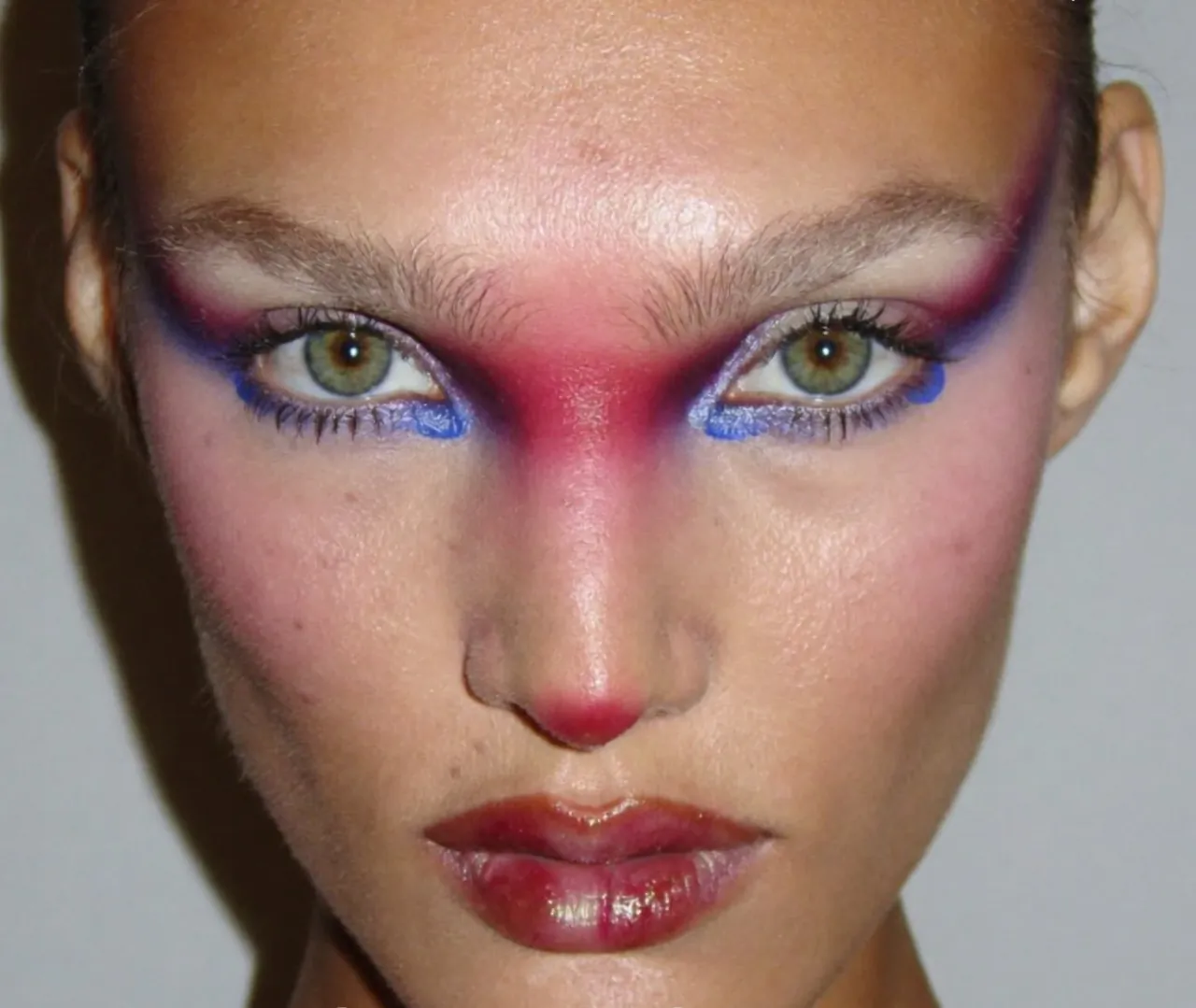
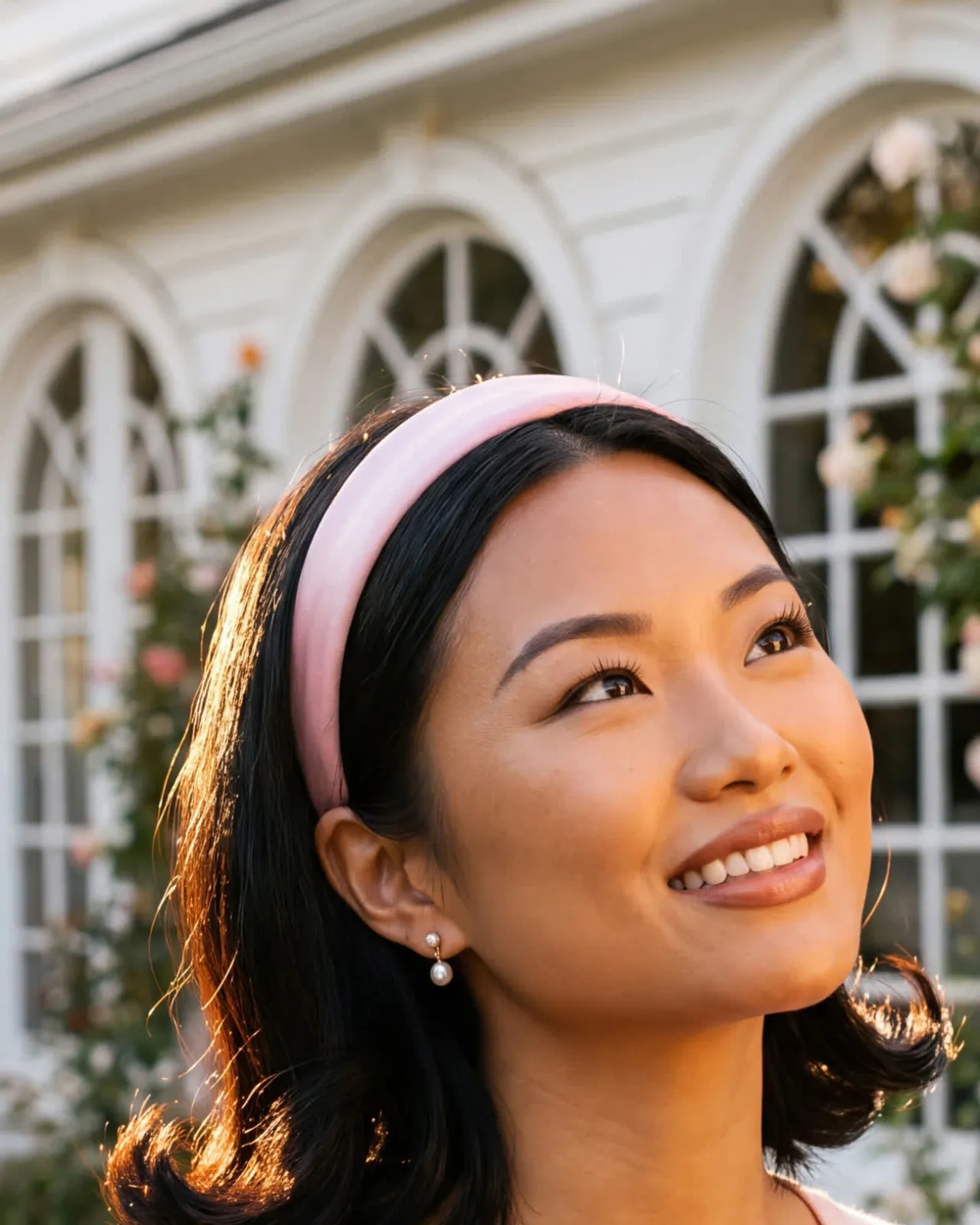
There is one tell that gives an AI beauty image away faster than anything else: the skin. The default is poreless, waxy and airbrushed — the “clean girl” render — and the human eye clocks it as fake instantly, even if it can't say why. The fix is counter-intuitive: you have to ask the model to make the skin worse.
Prompt the behaviour, not the perfection
Stop asking for “flawless” or “airbrushed” skin. Those words strip out the very details that make a face believable. Instead, describe how makeup actually behaves on a real face — the relationship between product and skin.
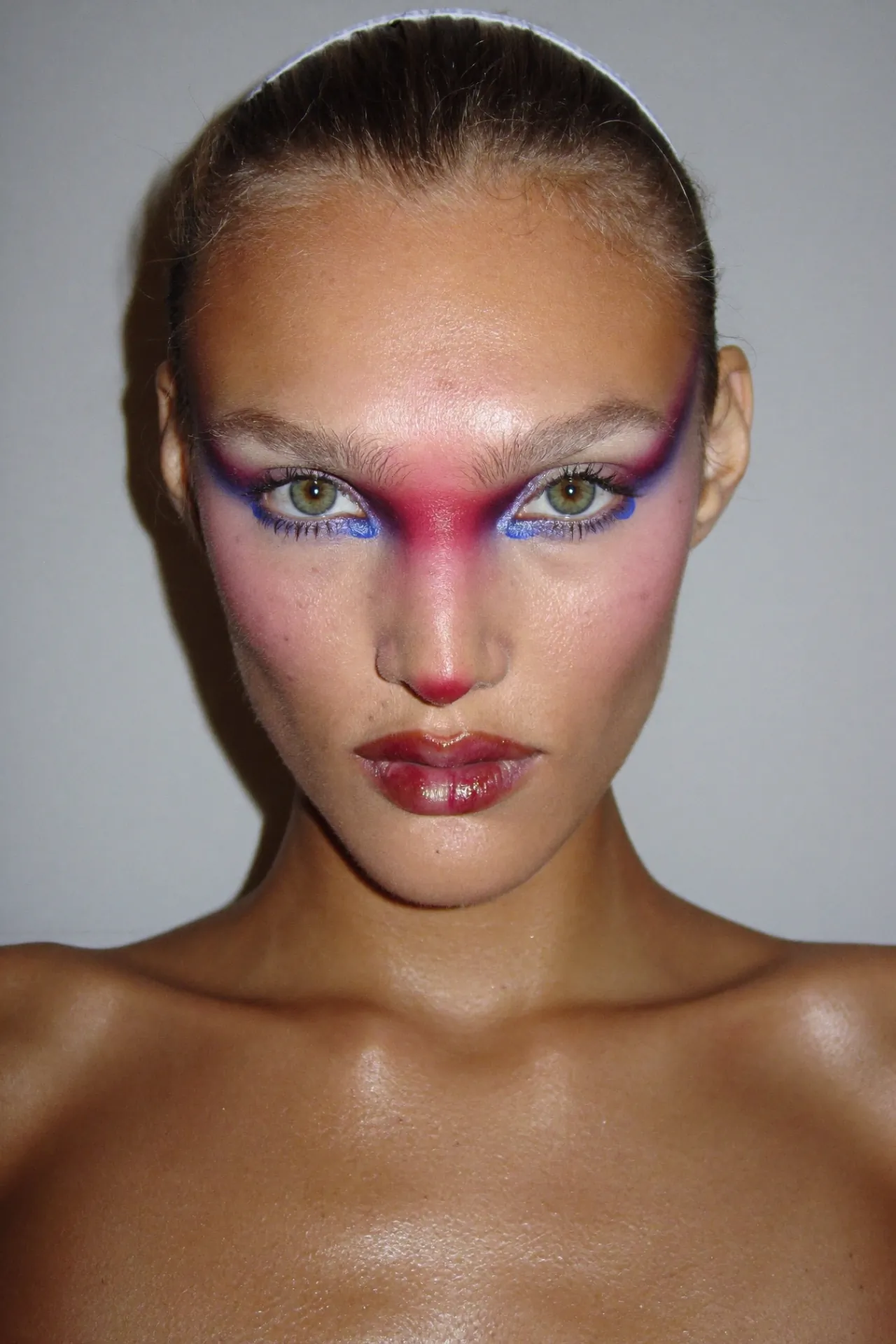
- pores still visible beneath the pigment
- oil coming through the foundation at the T-zone
- lip colour slightly smudged past the line
- liner that has moved and softened a few hours in
- peach fuzz catching the light
- pigment gathering in the crease
Give the surface a history
A convincing face looks like it has been worn for a few hours, not just applied. Think foundation settling into a fine line, a flush of real redness, a loose strand touching the cheek. You are not asking for mess — you are asking for the small, true imperfections a camera would actually capture.
Light it like a real shoot
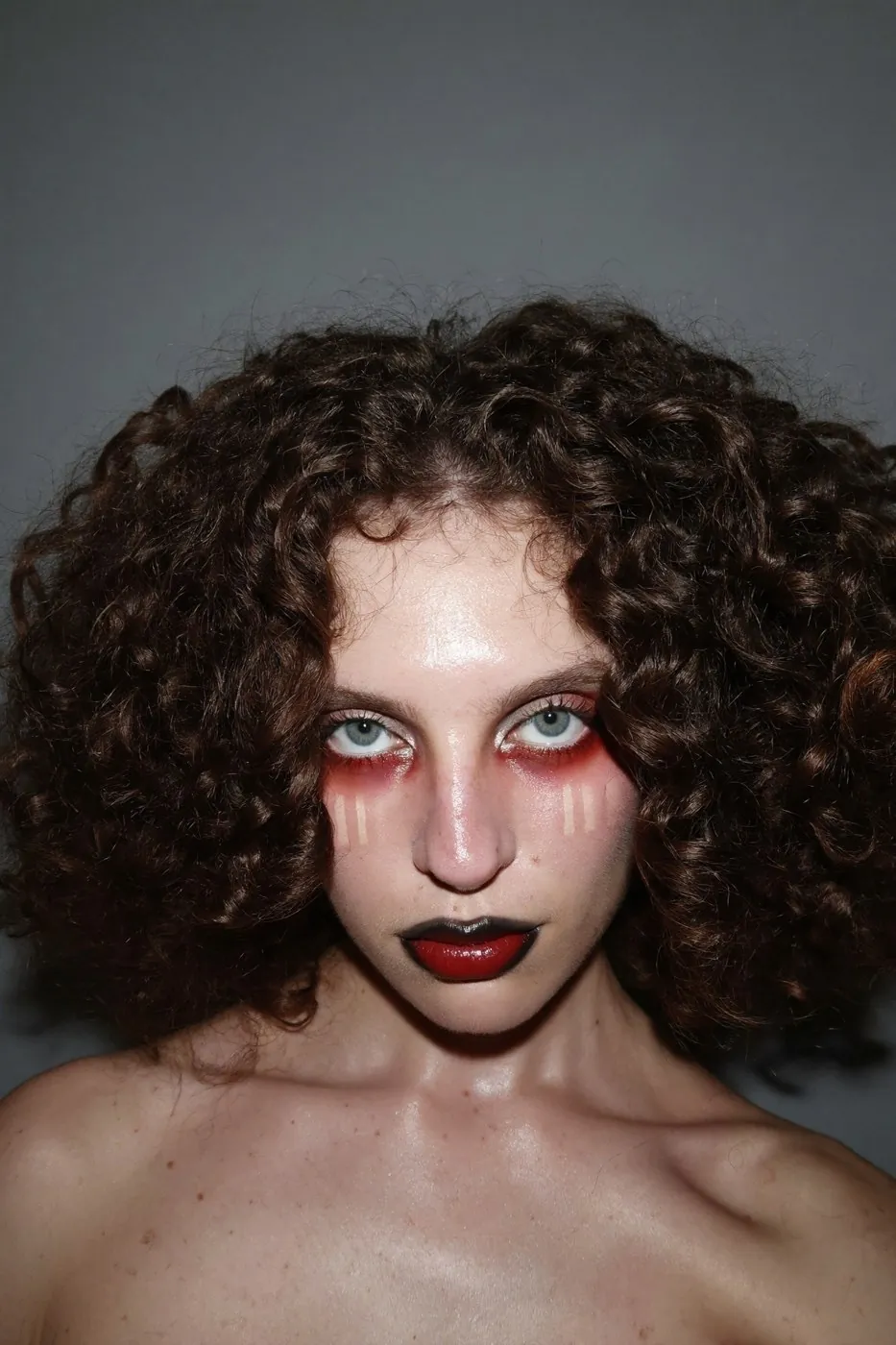
Harsh, direct, on-camera flash is your friend here. It is unforgiving, and that is exactly why it reads as photographed rather than rendered: it shows the texture instead of hiding it. Soft, even, flattering light is what makes AI skin look plastic.
The rule
Prompt the behaviour, not the perfection. Pores beneath pigment, oil through foundation, creases under gloss. That is the whole difference between a render and a face.
I put the full method, the master prompt, and the exact prompts and settings to recreate each image into a free pack.
Get the free beauty promptsFree →The AI beauty prompt pack
The method, the full prompt, and the exact prompts and settings to recreate the images on the page. Free.
Get the free beauty promptsFree →
How beauty brands secretly use AI across the whole funnel
From the billboard to the inbox to the product that doesn't exist yet, here's every place AI is quietly doing the image work.
How to steal a movie and direct it into an AI brand film
The skill in AI film was never the prompt. It's the direction, and here's the order I lock a film in.