FREE PROMPT

Get the full film prompt.

Enter your email and I'll send you the prompt, and you can unlock the full breakdown below. The exact prompt that turned one selfie and a product shot into a cinematic courtroom film.

that email did not look right. try again.

one email, instant access. no spam, unsubscribe anytime.

AI FILM PROMPT · SKIN+ME

I put her skin

on trial.

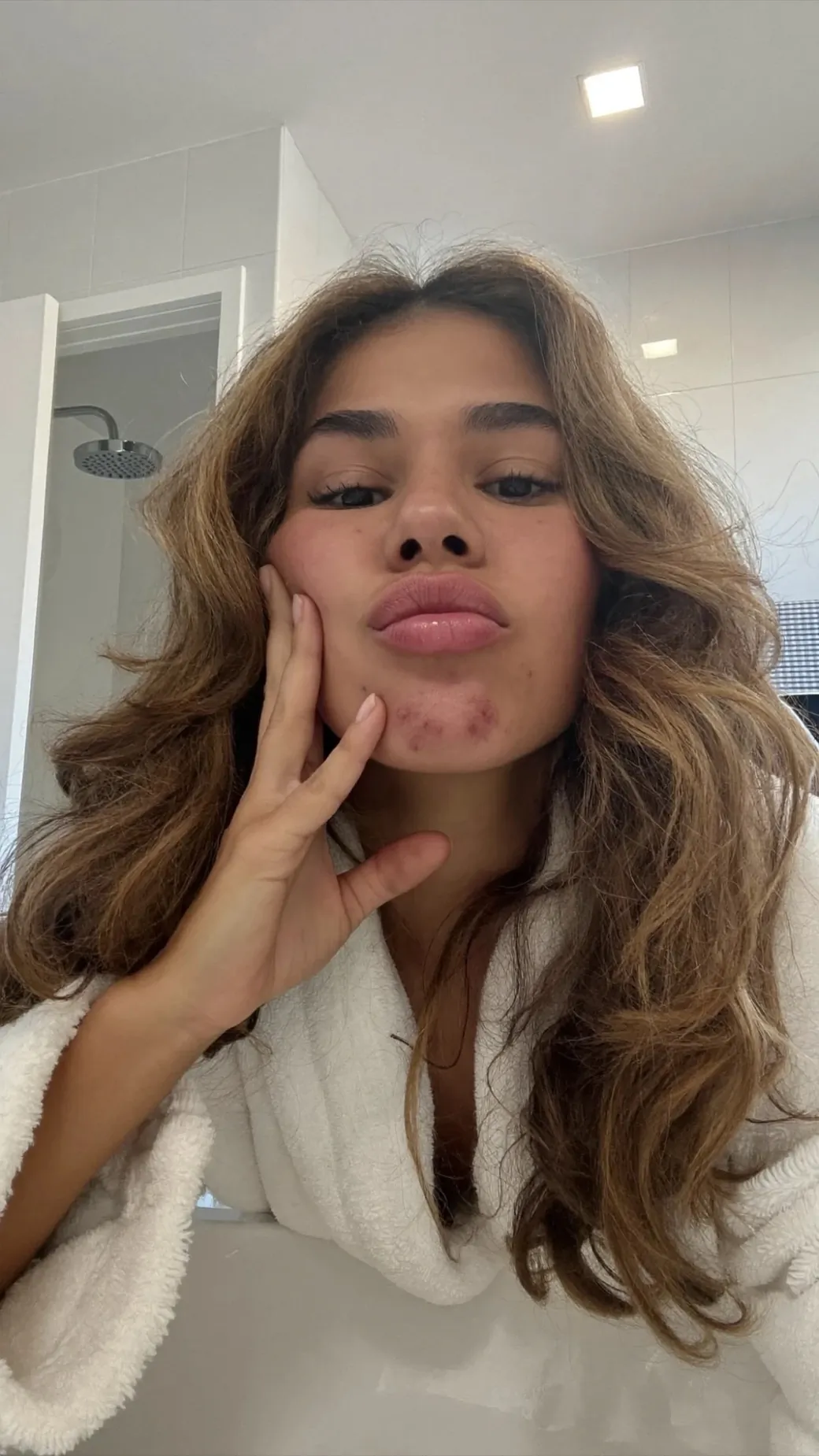
i turned one selfie and a product shot

into a cinematic courtroom skincare film.

here's the exact prompt, and how it works.

this is judge and jury, a skincare film for skin+me: a girl put on trial for her skin, a jury of strangers roasting her, then the turn that skin is personal. shot like 35mm, played completely straight, no ai sheen.

it was built from four still images and one reference cut. below is every part of the prompt that makes it land, and the whole thing is yours to download.

judge and jury · built from 4 images and one cut (tap to unmute)

THE WHOLE RECIPE

screenshot this
01
stack your references. stills for the look, one cut for the timing.
02
recreate it shot for shot. copy a cut you love, second for second.
03
open on the hook. grab the first frame, hold it, then break it.
04
lock one grade. a single film stock and one brand colour, everywhere.
05
direct real voices. human cadence, never ai text to speech.
06
protect real skin. pores, texture, no beauty filter.
07
no text on screen. every line is heard, never written.
Step 01 · References

STACK

the inputs.

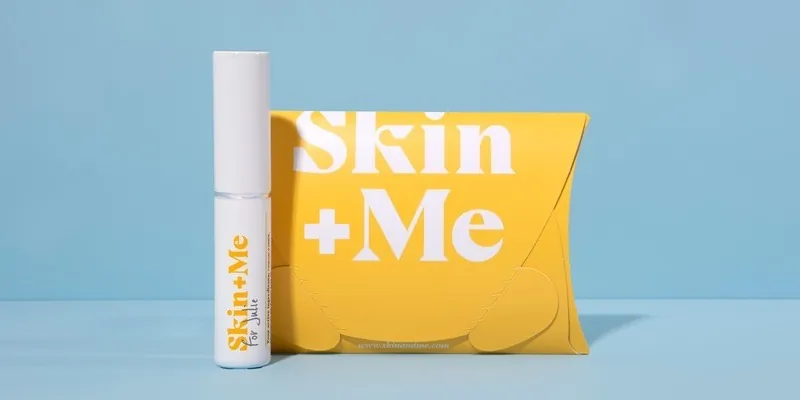
the model is only as good as what you feed it. give it a few stills with clear jobs: the product and its exact colour, the lead's face, the hero prop, the world. then one reference cut, muted, used only for timing and framing.

the rule that keeps it on brand: the images come first. wherever the video and an image disagree, the image wins.

Skip this and

the model invents a face and a colour of its own. label every input and it stays on brand.
@img1 · product + brand yellow
@img2 · the lead's face
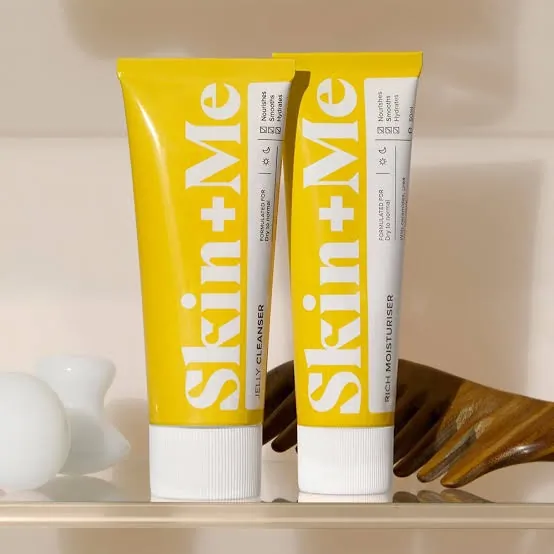
@img3 · the hero prop
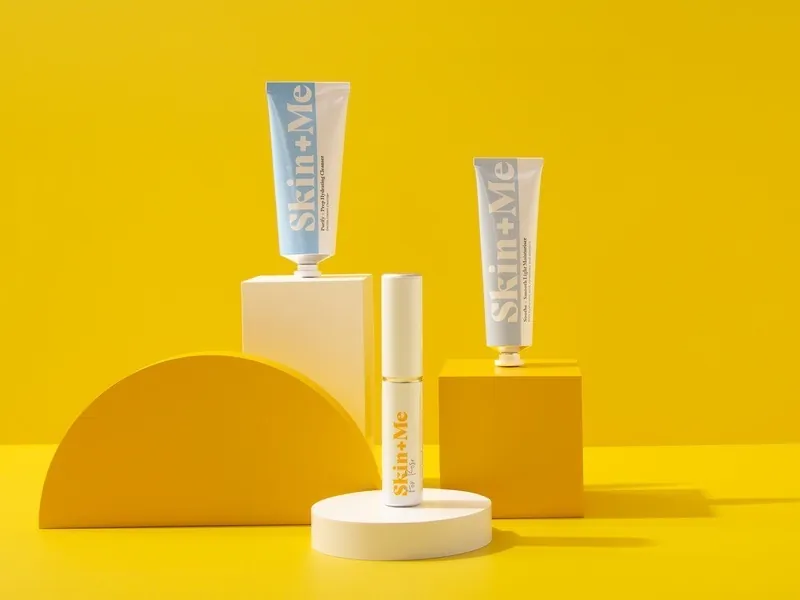
@img4 · the brand world
the reference map
label your inputs so the model knows each one's job:
@img1 = THE PRODUCT + BRAND COLOUR. Match every {colour} in the film to this. @img2 = THE LEAD. Her face comes from here, never from the video. @img3 = THE HERO PROP. The {prop} exactly as it looks here. @img4 = THE WORLD. The set only. @vid1 = THE FILM TO RECREATE. Timing, framing, camera and cuts only, muted. THE IMAGES COME FIRST: wherever the video and an image disagree, the image wins.
Step 02 · Recreation

STEAL

the edit.

you do not have to direct the timing from scratch. take a cut you already love, your own or a reference, and recreate it second for second: the same framing, the same camera moves, the same cutting rhythm.

then change only what has to change. here that was the set, one juror, the dialogue and the product. everything else was copied beat for beat.

Skip this and

the pacing drifts and the edit feels loose. copy a cut you love and the rhythm is already right.

say this
to lock the edit to a cut you love:
PRIORITY: recreate @vid1 shot for shot, second for second. Copy its shots, their order, timings, framing, lens feel, camera moves, blocking, cutting rhythm and whip pans, so every beat lands at the same second. Only change: {the few things you are swapping}. @vid1 is muted: invent every voice fresh.
Step 03 · The hook

GRAB

the first frame.

the first frame decides whether anyone watches the rest. so there is no establishing shot and no slow build. it opens already tight on her face, already tense, like a thriller.

hold the tension one beat longer than feels comfortable, then break it hard. after that the pace never drops until the end.

Skip this and

they scroll in the first second. open mid moment and they lean in instead.

say this
for the first five seconds:
THE HOOK, CRITICAL: open mid-moment, already tight on {subject}, already tense. No establishing shot, no slow start. Build with silence and closeness, hold one beat longer than feels comfortable, then break it hard. After that the pace never drops.
Step 04 · The grade

LOCK

one look.

colour and film stock decide the whole feel before anything happens in frame. name one stock and commit to it, here a warm 35mm kodak look, no hdr and no advertising gloss.

then pin the brand colour to an exact value and repeat it everywhere. one yellow, stated by hex, so nothing drifts to lemon or orange.

Skip this and

it looks like a generic ai clip. grade it to one stock and one colour and it reads as a brand.

the film stock
state it once, up top:
Arricam LT, Cooke S4/i primes, 35mm Kodak Vision3 500T, T2.8, shallow depth of field, halation on highlights, fine organic grain, lifted milky blacks, low contrast. No HDR, no orange filter, no glossy advertising finish.
the brand colour
nail one colour everywhere:
Every {yellow} in this film is the exact {warm sunflower yellow} of {@img1}, hex {#EBC002}: never lemon, never mustard, never orange, never pale.
Step 05 · The voices

DIRECT

real voices.

ai film gives itself away in the voices first. the fix is to direct them like a director, not a text box: real cadence, breaths, hesitation, lines that overlap and step on each other like a real crowd.

and keep each character's voice identical every time they speak, so they stay one person across the whole film.

Skip this and

it sounds like text to speech and the spell breaks. direct real cadence and it sounds recorded on set.

say this
so the voices sound human, not ai:
Real people talking, not reading. Uneven rhythm, micro-pauses, pitch that moves, lines that overlap. Real breaths, tiny hesitation, a scoff or a laugh. Never text-to-speech, never identical spacing, never every line ending on the same pitch. Keep {each character}'s voice identical every time they speak.
the lead voice
the voice i reuse on every speaking shot:
Female, West London accent with a slight raspiness, warm, crisp and clear, modern, effortlessly cool. A confident content-creator cadence, unhurried but energetic, all lowercase delivery, no hard sell. Recorded close and clean but sitting in the room with a subtle natural reverb, a slight airy echo tail, spacious but controlled, never dry and never cavernous.
Step 06 · Skin & frame

KEEP

it real.

the thing that reads as real is texture. ask for pores, fine lines, peach fuzz and uneven tone, and refuse the beauty filter. for a skin story the breakouts have to be real, not painted on.

and keep the frame clean: no captions, no logos, no on screen text at all, except the labels already printed on the product. every line is heard, never written.

Skip this and

plastic skin and floating captions scream ai. keep real texture and a clean frame and it passes as film.

say this
to keep skin real and the frame clean:
NO AI SKIN: real pores, fine lines, peach fuzz, uneven tone, natural shine on every face. No waxy, plastic or airbrushed finish, no beauty filter. NO TEXT ON SCREEN ever, except the labels printed on the products: no subtitles, captions, logos, signs or name plates. Every line is heard, never written.

THE FULL PROMPT

yours to keep.

the complete judge and jury prompt: the reference map, the grade, the cast, the voices, the cinematic language and the full shot by shot breakdown. swap the braces for your brand and run it.

Download the prompt ↓

one text file, every word of the prompt behind the film above

WHAT TO AVOID

describing a vibe and hoping the model gets it.
stack real stills with clear jobs, and recreate a cut you love.
a smooth, even ai voice reading the lines.
direct real cadence, breaths and overlap, one voice per character.
airbrushed skin and captions burned on screen.
keep pores and texture, and let every line be heard, not written.

DIRECT THE

whole film.

Stack the references, steal a cut you love, then lock the grade, the voices and the skin.

One selfie in, a film out.